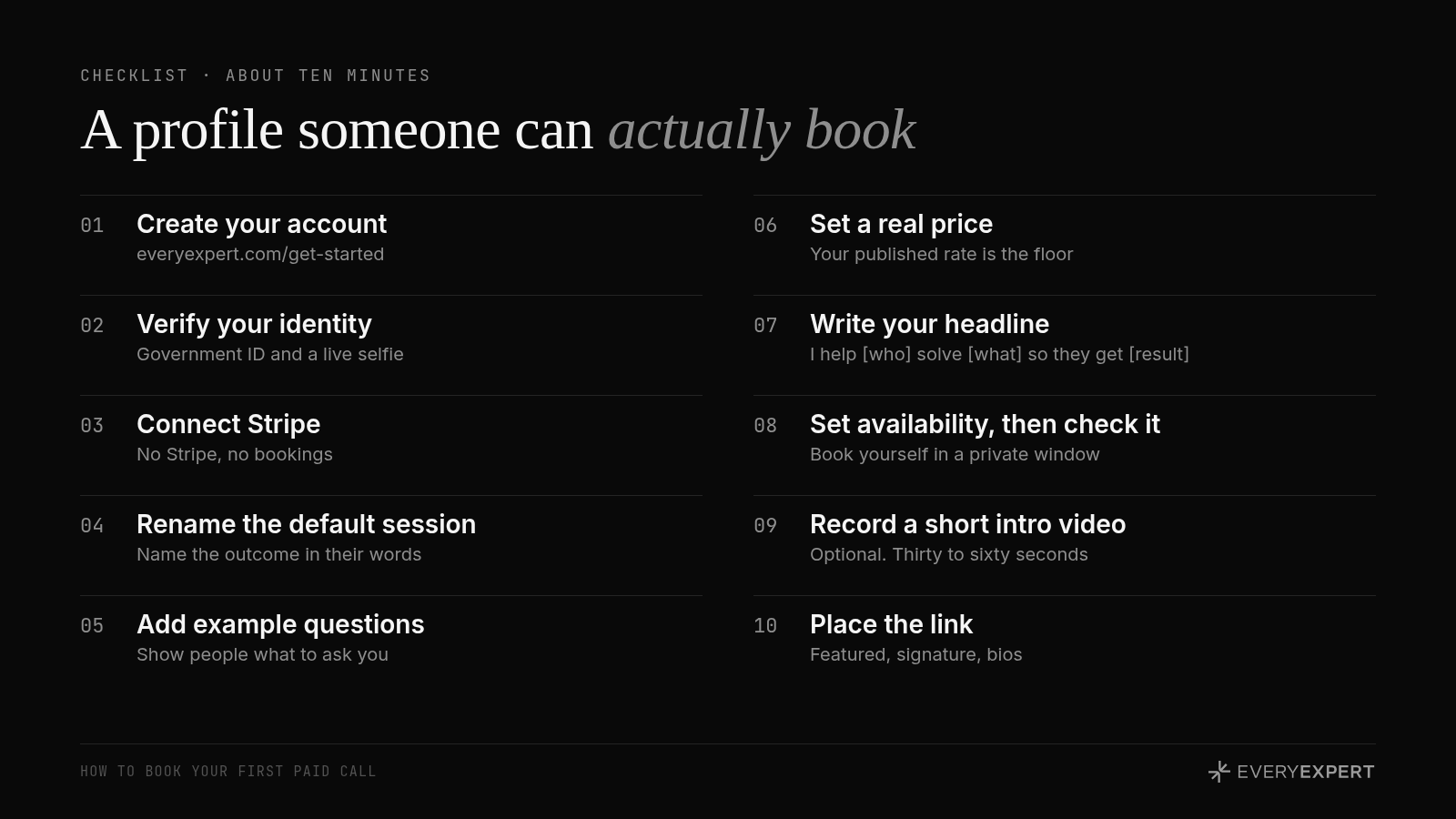
How to set up your EveryExpert profile in ten minutes
Ten steps, in order, and the two that decide whether anyone books you.
The setup itself takes about ten minutes, and most of it is clicking. The part that decides whether anyone books you is the session title and description, so spend your real attention there, and check the live page in a private window before you share it.
What a bookable profile does
Someone lands on your page from a post, a DM or an email signature. They give it about five seconds. In that time they need to know three things: is this person for someone like me, can they help with my problem, and what do I walk away with?
If the answer to any of those is fuzzy, they leave. That's a booking lost to a blank page, and it's the easiest kind to win back.
Here's the setup, in order.
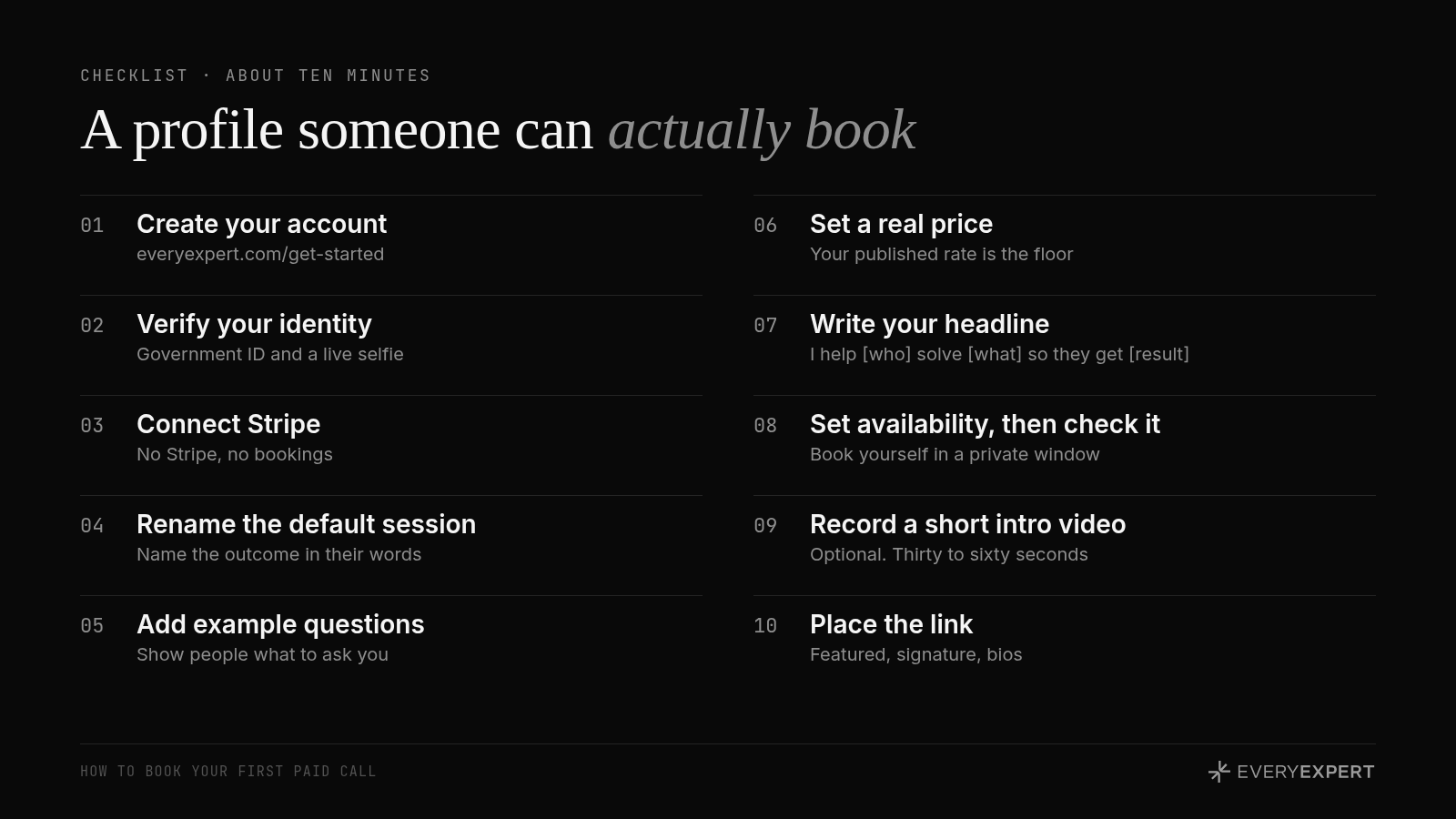
1. Create your account
Go to https://www.everyexpert.com/get-started and sign up with Google, LinkedIn or email. Claim your page and add your photo and your areas of expertise. You'll write the words in a minute.
2. Verify your identity
EveryExpert verifies every expert before they show up in the directory. You upload a government ID through Stripe Identity and take a quick live selfie that's matched to it. It takes a couple of minutes, and it's one of the reasons buyers trust the page.
3. Connect Stripe
This is the step people skip and then wonder why nobody can book them. Until Stripe is connected, your page can't take money. Connect it now, before you write a single word of copy.
4. Write the offer before the profile
Every new session starts with the default title "1:1 Video Call." Rename it. A generic title is the most common reason a profile gets views and no bookings.
A good title names the outcome in your buyer's words. Compare:
"Business Strategy Call" vs "Fix your first paid workshop offer"
"Marketing Consultation" vs "Find out why your posts get views but no clients"
"Career Coaching" vs "Decide whether to take the offer on the table"
Three shapes sell well for a first call. An audit, where you look at something they've built and tell them what to fix. A decision, where you help them settle something they keep circling. A setup, where you get one specific thing working with them on the call. Specific sounds like you've done this before.
5. Tell people what to ask you
Under the title, write two or three sentences about who this is for and what they'll leave with. Then add a short list of example questions.
This is the most underrated part of any profile. People land on your page, think "I could probably use this," but can't picture what they'd actually talk to you about. Example questions fix that, and they spark ideas people didn't know they could bring to you.
Here's what it looks like for a LinkedIn coach:
Book a call if you want to work through things like:
Why is my content getting views but no clients?
What should my headline actually say?
How do I turn profile visitors into booked calls?
I have an offer but I'm scared to name my price. Help?
Write them in your client's voice, the way the thought already sounds in their head. If you don't know what that sounds like yet, the next article in this series will get you there.
6. Set a real price
Pick a number you can say out loud without flinching. If you already publish a rate somewhere else, that's your floor. Pricing lower on EveryExpert than on your own site tells people your EveryExpert call is the lesser version.
Start with one live session and, if it fits your work, one async question. One clear call is easier to say yes to than a menu of six.
If you offer free calls, like a discovery call or a quick intro, consider setting them to private and sharing the link directly. A free session on your public page could undercut the paid one sitting right next to it.
7. Write your headline and bio
The headline is one sentence at the top of your profile that names who you help and the result they get. Use the one-sentence version from the main guide. Your job title and background go in the bio underneath.
8. Set your availability, then check it
Connect your calendar and set the hours you want to take calls. Then do the step almost nobody does: open your profile in a private or incognito browser window and walk through booking yourself. Check that the times you set are the times that show up, and that every session you want public is visible.
What you see in your dashboard and what a stranger sees aren't always the same. The private window is what a buyer sees. Trust that one.
9. Record a short intro video (optional, worth it)
Thirty to sixty seconds. Who you help, the one problem you're best at, and what a call with you feels like. It doesn't need good lighting. It needs to sound like you.
10. Put the link where people already find you
Your profile is done when it's somewhere people will see it. The articles on telling people and building an audience cover where it goes. At minimum: your LinkedIn Featured section, your email signature and your social bios.
Your homework
Open your profile in a private browser window and read it as a stranger who's never heard of you. Fix the first thing that makes you hesitate. Ten minutes.
Bring it back
Post your profile link in #best-practices with one line: "Here's who it's for. What's unclear?" Or bring it to office hours and we'll review it live. Profile reviews are some of the most useful hot seats we run, because everyone in the room learns from each one.
Next session: sign up for the next free live lesson at https://www.everyexpert.com/events/accelerator
Next in the series: Know exactly who you help before you write a word
Back to the main guide: How to get started on EveryExpert and book your first paid call
Not on EveryExpert yet?
EveryExpert is where people book paid calls with experts like you. Join at https://www.everyexpert.com/get-started. It's free to set up, so the people who find your work have somewhere to book.