Your best prospect list is already sitting in LinkedIn
Before you buy a lead list or send a single cold email, export your LinkedIn connections and hand the file to an AI. Ask it three questions: who could buy, who could spread the word, and who should meet each other.
The situation
You need more conversations with people who could hire you. So you look outward. You price out a lead tool, draft a cold sequence, maybe sign up for a networking event full of strangers.
Meanwhile you have hundreds of LinkedIn connections, some of them going back years. Former colleagues, past clients, people you met at a conference and liked. They already know your name. A few of them would take your call today.
You just have no idea which few. The list is too long to scroll and too familiar to look at properly, so it sits there while you go hunting for strangers.
The complication
The obvious fix is to work through your connections by hand. You start at the top, open profiles, try to remember how you know each person. Twenty minutes in you are on the Bs and you have found two maybes.
So you go back to cold outreach, because at least it feels like progress. But cold outreach is slow and mostly ignored, and you are skipping the people most likely to reply. The warm list is the better list. It is just unsorted, and sorting it by hand is slow enough that nobody finishes.
The question
So how do you find the right people in a network you already have, without spending a week scrolling through it by hand?
The answer
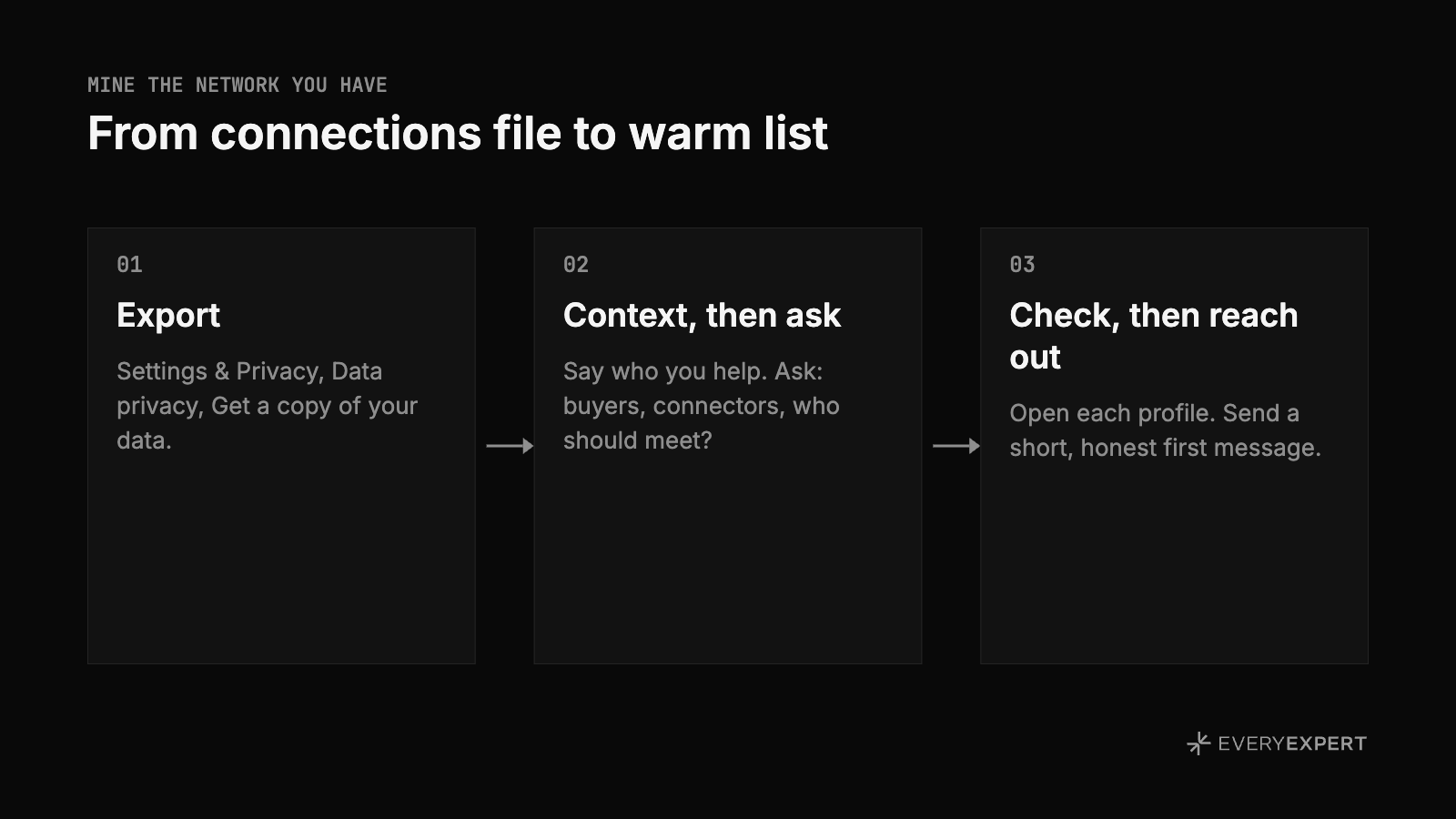
The idea from office hours was simple: let an AI do the scrolling. Download your connections as a file, give it to ChatGPT or Claude or whatever you use, tell it what you are working on, and ask it to sort. This works on a free LinkedIn account as well as Premium.
1. Request the export
On LinkedIn, go to Settings & Privacy, then Data privacy, then Get a copy of your data. You can request the full archive or pick specific data, and connections is one of the options. LinkedIn emails you when the file is ready to download. LinkedIn moves its menus around now and then, so if the path has changed, search your settings for "get a copy of your data."
What you get is a spreadsheet, a CSV, with each connection's name, company, position and the date you connected. Expect the email column to be mostly empty. LinkedIn only includes an email address when that person has allowed it, so plan to reach these people through LinkedIn messages.
2. Give the AI context, then ask three questions
Upload the CSV and start with a few sentences about yourself: what you do, who you help, what you are trying to get going right now. Without that, the AI has no way to judge who fits.
Then ask for three lists:
Prospects. Who in here could plausibly hire me for this, based on title and company?
Connectors. Who seems to have a strong network and could spread the word about me?
Introductions. Which two people should know each other but probably do not?
Narrow it to the tier of people you care about, such as a type of title or a size of following, and ask for a short list in each with one line on why each person made it.
The third list is the one most people skip. Introducing two people who should meet costs you nothing, and it gets your name mentioned in rooms you are not in. When I ran this on my own connections, I was surprised how many people in my New York network did not know each other.
3. Check the list, then reach out warm
The AI is guessing from job titles, so open each profile before you message anyone. For introductions, confirm the two people are not already connected.
Then send something short and honest. If it has been years, say so: "I know we haven't talked in a while. I'm trying to be better about staying in touch, and that's why I'm reaching out." For an introduction, ask each side first: "Looks like you and Kelly don't know each other, which surprised me. Okay if I connect you?" Staying in touch after that first message is its own habit, covered in Two emails a year is the whole networking system.
How this looks in practice
A fractional CMO has spent months pitching founders she has never met. She runs her connections through the prompt and the prospect list surfaces a handful of former colleagues who now run marketing-starved startups. She messages a few of them about what she is doing now. The replies come back quickly, and one asks for a call, because they already know how she works.
A travel advisor has a quiet season coming and no plan for it. The connector list points to a few people who organize offsites and retreats for their companies. She asks each one where they are planning to go next year. One of them passes her name to the person who books their annual leadership trip.
A recruiter asks the AI for introductions instead of prospects. It pairs a hiring manager he filled a role for last year with a candidate he could not place at the time. He checks they are not connected, asks both, and makes the introduction. Neither is a deal for him today. Both now mention him when hiring comes up.
None of them bought a list. They sorted the one they had.
Do this today
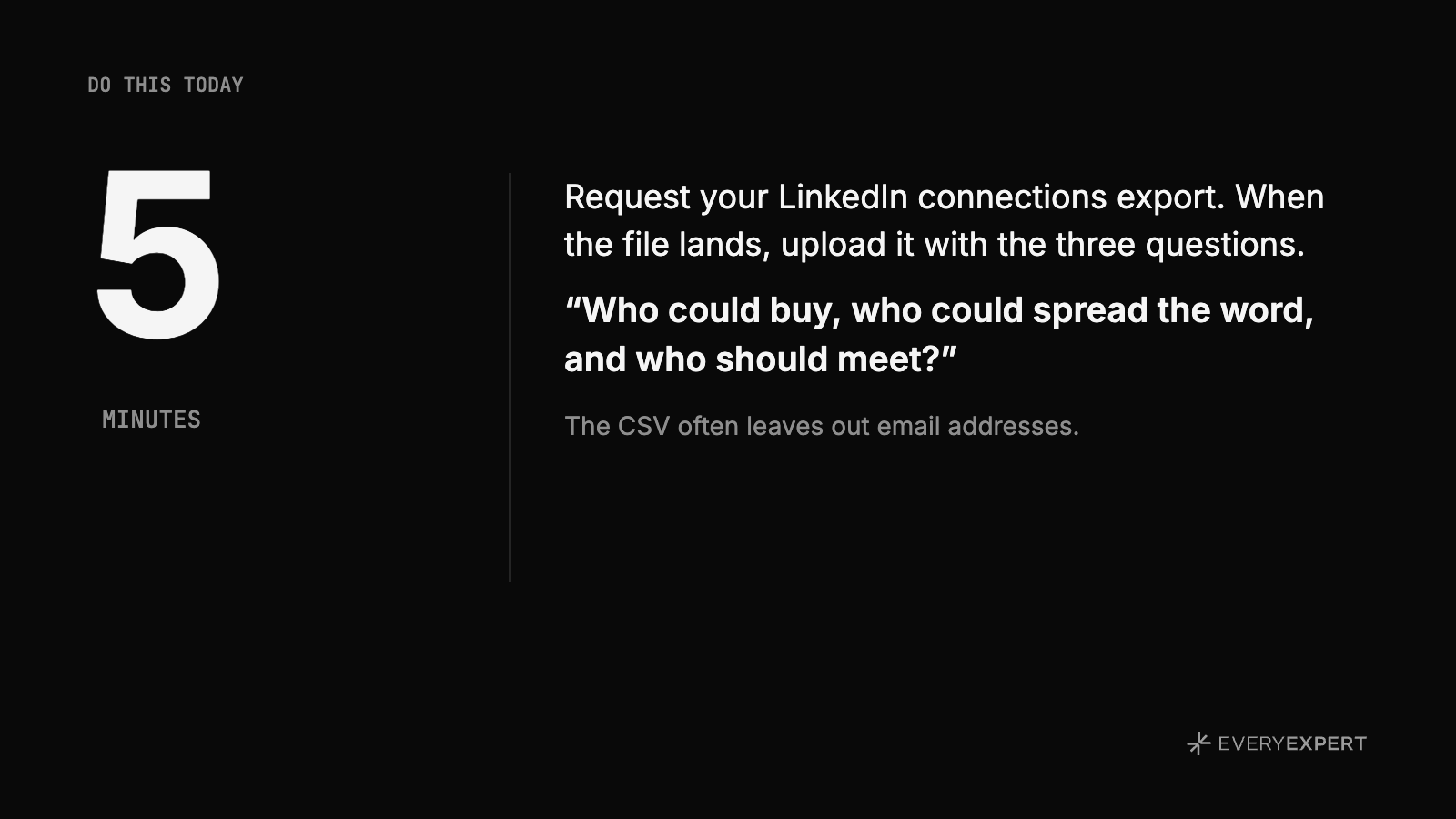
Request your LinkedIn connections export. Settings & Privacy, Data privacy, Get a copy of your data, and pick connections.
Five minutes. When the file lands, upload it with the three questions from step 2.
Bring it back
Post in the community which of the three lists surprised you most and what you did with it. Leave out names; your connections did not sign up to be discussed. If you are stuck on how to approach someone the AI flagged, bring three things to office hours: their title, how you know them, and the first line you plan to send. The room can tell you fast whether it reads as warm or as a pitch.
Office hours
This came out of a live EveryExpert office hours session. A member asked what works for finding clients beyond running workshops, and the answer was the network they already had. Office hours is where you bring a real situation and leave with the next move.
Next session: [HOLD: date, time and registration link]
Not on EveryExpert yet?
EveryExpert is where people book paid calls with experts like you. Set up your page at everyexpert.com so the people on your new list have somewhere to book.